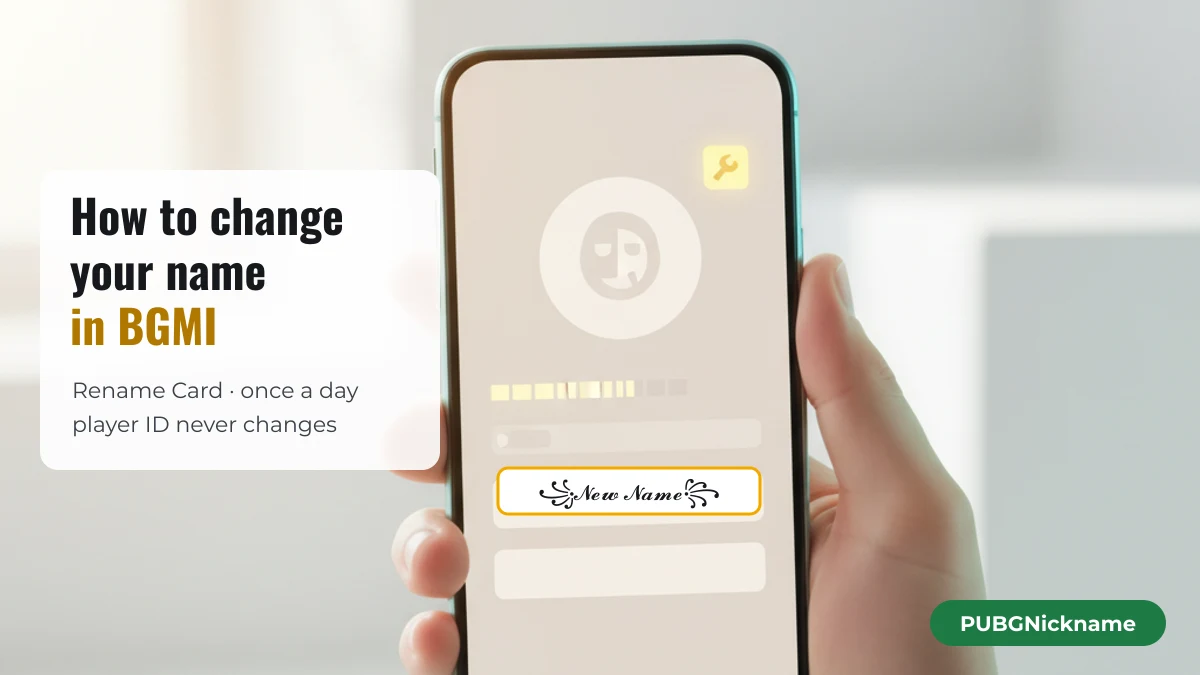
To change your name in Battlegrounds Mobile India (BGMI), you use a Rename Card: open the card from your inventory, type or paste the new name, and confirm. BGMI allows one name change per day, and the card is used up each time. Your first cards are free from the Level 3 and Level 10 Progress Missions; after that, cards come from events or the in-game Shop. BGMI is KRAFTON’s separate India version of PUBG Mobile, so the rules below are BGMI’s own.
How do I change my name in BGMI step by step?
Have the new name ready on your clipboard, then use the Rename Card from your inventory and paste the name into the box it opens. Doing it in this order means the card is only spent on a name you have already checked.
- Prepare the name outside the game. Write it, style it, and copy it. A decorated name has to be pasted — keyboards cannot type most of its characters.
- Make sure you have a Rename Card. If you have not claimed the free cards yet, finish the Level 3 or Level 10 Progress Mission first (see the next section).
- Open your inventory and select the Rename Card, then choose to use it. Menu labels can move between BGMI updates, but the card itself is always an item you own.
- Long-press the name field and paste. Check the preview: a character your phone cannot draw shows up as an empty box, which is a sign to pick a different symbol.
- Confirm. The new name replaces the old one and the card disappears from your account.
That is the whole procedure. BGMI’s own help centre describes the same flow in one line — “You can change your in-game Nickname by using a [Rename Card]” — in its How do I change my name? article, which is the source for the card rules on this page.
Where do I get a Rename Card and what does it cost?
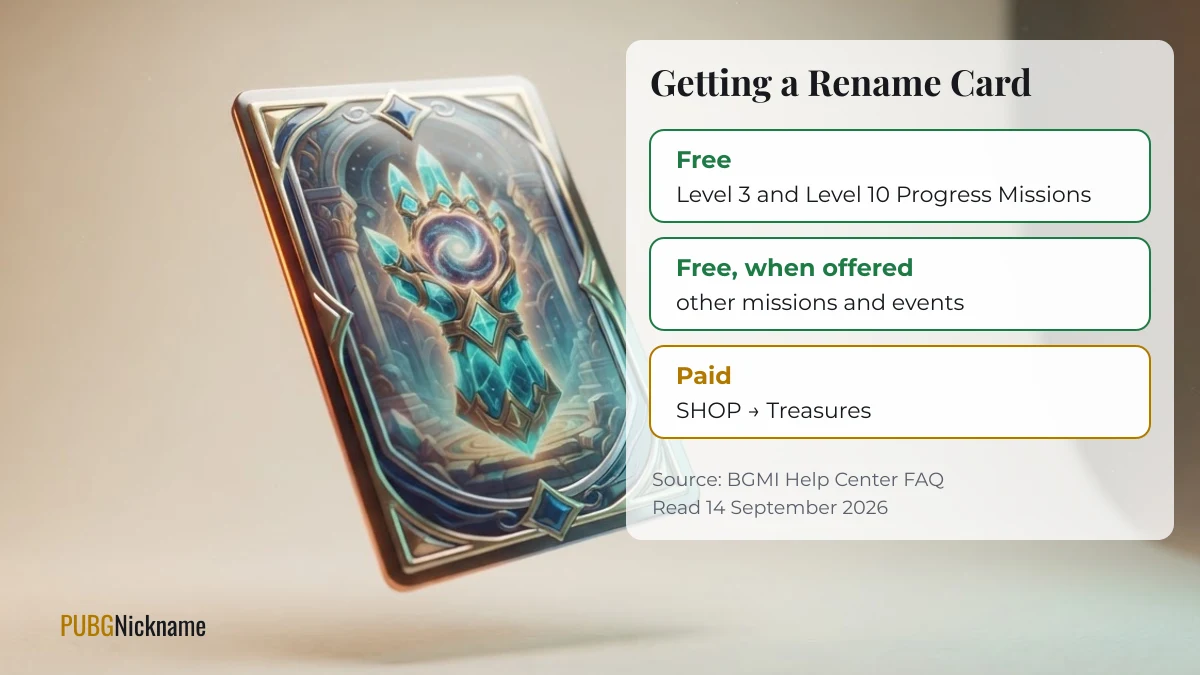
BGMI gives Rename Cards for free through missions and events, and sells them in the Shop under Treasures. The official help article lists these sources; it does not state a price for the paid card.
| Source | Cost | How it is described officially |
|---|---|---|
| Level 3 Progress Mission | Free | “Completing the lv 3 and lv.10 Progress Missions to get a [Rename Card]” |
| Level 10 Progress Mission | Free | Same line as above — a second free card |
| Other missions and events | Free, when offered | Events “may” include a Rename Card, now or in the future |
| SHOP → Treasures | Paid in UC | Listed as a purchase; no price given in the help article |
Many guides quote a fixed UC price for the card. BGMI does not publish one in its help article, and shop prices can change with events, so the only reliable number is the one shown in your own Shop at the moment you buy. Most guides also mention only the Level 10 card; the help article lists Level 3 as well, which is easy to miss if you skipped the early Progress Missions.
How often can I change my name in BGMI?
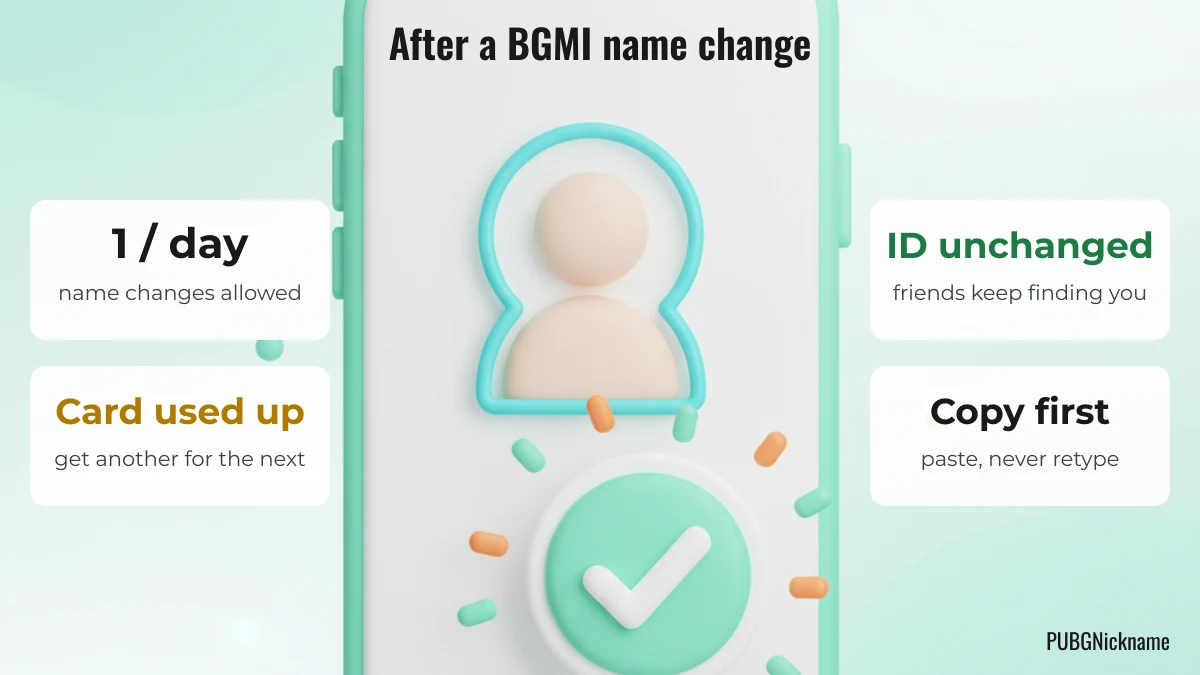
Once per day. The help article states it directly: “You can only change your nickname once per day”, and the card “will disappear from your account once used”. A second change needs both a new day and a new card.
In practice this means a typo costs you a day. Paste the name into a notes app first and read it character by character, especially if it contains look-alike letters or spacing characters that are hard to see.
Can I change my name in BGMI without a Rename Card?
No — the help article names the Rename Card as the way to change a nickname and lists no other method. What you can do is get a card without paying, by finishing the Level 3 and Level 10 Progress Missions and watching events that include one.
There is one situation where a name changes without a card, and it is not one you want. KRAFTON’s BGMI Rules of Conduct say an inappropriate nickname “will be immediately changed without your consent”, and its penalty table lists up to a 90-day ban for inappropriate nicknames and clan names. That is a penalty, not a free rename.
Why was my new BGMI name rejected?
A rejected name usually breaks one of three things: the content rules, a character the box does not accept, or the length of the text once it is counted. The table matches what you see to the likely cause.
| What happens | Likely cause | What to try |
|---|---|---|
| Refused, or changed later without warning | The name is sexually explicit, discriminatory, impersonates KRAFTON or its staff, or uses someone else’s trademark — including versions with letters swapped to hide the word | Choose a different word; disguising it with symbols is treated the same as writing it plainly |
| Refused as soon as you paste | One character is not accepted by the name box; emoji are the usual suspect | Remove emoji and try the symbol-only version |
| Cut short or reported as too long | Emoji and some decorative brackets take two units of text each, so a short-looking name can be long | Drop one ornament or use a one-unit symbol such as ♛ instead of 👑 |
| Shows empty boxes in the preview | Your phone has no font for that character | Pick a more common symbol; others may see boxes too |
Look-alike letters deserve a special mention. BGMI’s rules single out names where letters are “changed” or mixed with other characters to disguise an inappropriate word. The same trick is also how people copy someone else’s name letter-for-letter; we measured which letters can do that in our test of 39 look-alike letters.
Pick the new name before you spend the card
Because a card allows exactly one change, choose and check the name before you open it. You can style your own name with the generator on PUBGNickname, or take one of the names below — tap any tile to copy it, then paste it into the rename box. None of them use emoji, so they avoid the most common rejection.
Legend & pro
Shadow & ghost
Popular Indian names
If you want a small symbol after the name, these combinations are grouped by theme. Emoji-based ones count double, so add them only if your name is short.
Weapons & battle
Crowns & royalty
Will my friends still find me after I change my name in BGMI?
Yes. A rename changes only the name shown to other players; your player ID stays the same. Friends who added you keep you in their list, and anyone searching by your ID still finds the account. Players who only remember your old name will not find you by searching it, so tell your squad the new one — pasting it into your team chat is the easiest way. A text face makes the announcement hard to miss:
Happy & winning
Love & squad
Questions about renaming in BGMI
Does changing my name reset my stats or rank?
No. The name is a label on your account; your tier, statistics and inventory belong to the account and its ID. The help article describes the card as changing the nickname only.
Can I change my name back to the old one?
Only with another Rename Card, and only after the once-per-day limit resets. If the game reports the old name as unavailable when you paste it, pick a variation instead.
Is BGMI the same as PUBG Mobile for renaming?
No. BGMI is a separate version run for India under its own rules and help centre. This guide covers BGMI only; the steps and limits above come from BGMI’s own documents.
PUBGNickname is an independent, fan-made tool. It is not affiliated with, endorsed by, or sponsored by KRAFTON, Inc., PUBG Corporation, Tencent Games, or Battlegrounds Mobile India. BGMI is a trademark of its respective owner.